Medical Transportation Square Banner Resource
Marketing a non-emergency medical transportation (NEMT) service requires a careful balance. You need to project professionalism, safety, and compassion without triggering the anxiety often associated with urgent care. Standard stock templates feel too generic, and designing a cohesive set of graphics from scratch drains valuable time and resources.
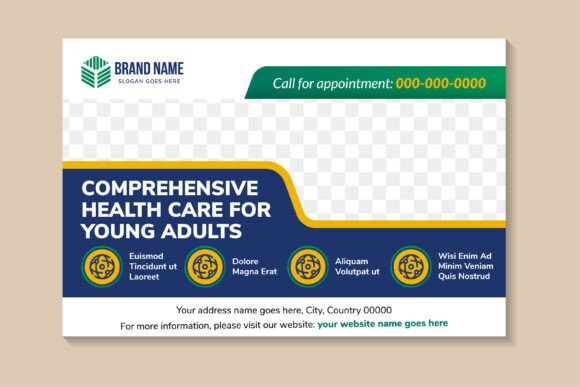
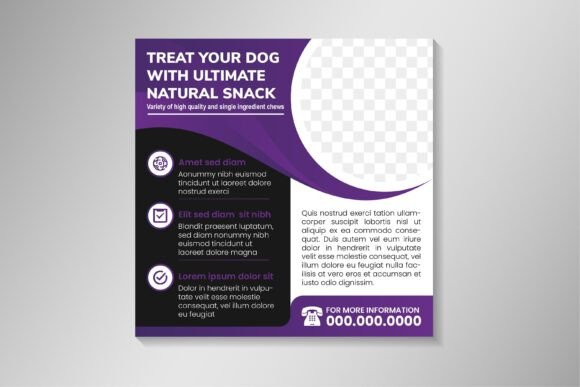
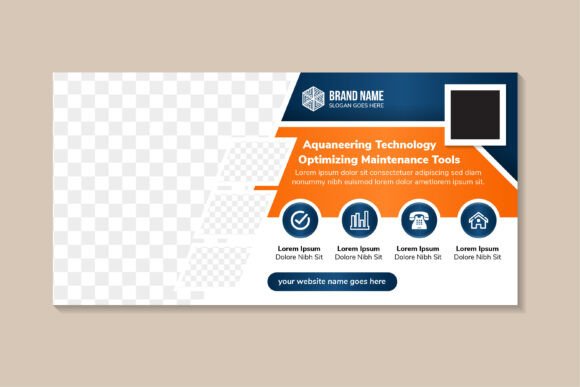
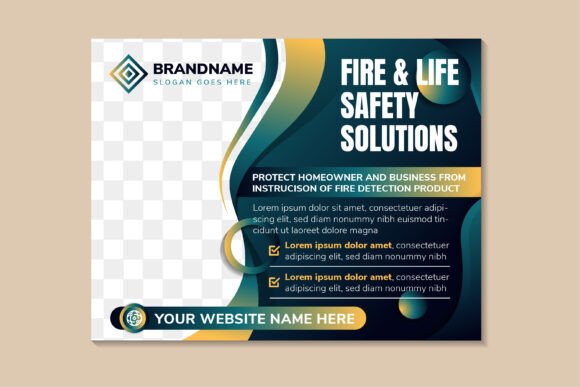
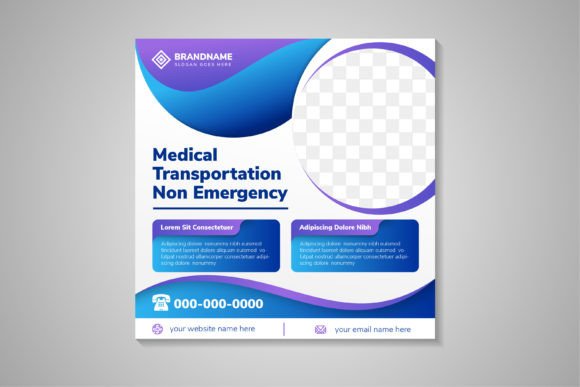
The Medical Transportation Square Banner collection fills this gap. It is a purpose-built graphic toolkit that combines a soothing blue-and-purple gradient with functional layouts designed specifically for NEMT providers. Whether you manage a small fleet, market a regional transport network, or design for healthcare clients, this resource gives you a professional visual foundation without requiring hours of creative labor.
What This Collection Delivers
This is more than a single image file. You receive a complete set of design assets tailored for social media posts, printed flyers, and promotional materials. The pack includes fully vector files in Ai, EPS, and SVG formats, plus high-resolution JPG previews at 300 DPI.
- Square format: optimized for Instagram, Facebook, LinkedIn, and other social platforms where consistent aspect ratios matter.
- Medical color palette: the blue and purple gradient evokes trust, calm, and clinical competence—exactly the emotional tone non-emergency services should project.
- Editable components: text, shapes, and colors are fully customizable. You are not locked into rigid defaults.
- Space for photography: each layout includes a dedicated placeholder area where you can insert real images of vehicles, staff, or patients (with appropriate consent).
- Print-ready resolution: 300 DPI ensures your flyers, posters, or brochures look sharp and credible when printed.
Because the graphics are 100% vector, scaling them up for a large booth banner or down for a mobile ad does not degrade quality. This versatility makes the pack useful across multiple marketing channels simultaneously.
Why the Non-Emergency Distinction Matters
A standard medical template often leans into urgency—red accents, bold alert-style typography, clinical imagery. That approach is counterproductive for NEMT providers. Your audience consists of elderly patients, people with mobility challenges, individuals attending dialysis or rehab, and caregivers scheduling routine rides. They need reassurance, not alarm.
The calm gradient and clean, approachable layout in this banner pack align perfectly with that need. The design language says, “We are here to help you get to your appointment comfortably and on time.” This subtle psychological framing helps build trust before a potential customer reads a single word of your copy.
Who Benefits Most and How
Different users will extract different value from this resource. Understanding which profile fits your situation helps you decide whether this pack aligns with your goals.
The NEMT Business Owner or Operator
If you run a transportation company, your priority is speed and consistency. You need to create a flyer for a local senior center, a social post about a new wheelchair-accessible van, or a promotional card for a partnering clinic—and you need it done today.
This pack gives you a head start. You open the Ai or EPS file, swap the placeholder text with your headline, insert a photo of your team or vehicle, and export. The professional look is already baked in. You do not need to hire a designer for every small campaign. For a business owner wearing multiple hats, that time saving directly impacts your ability to focus on operations and customer service.
Real-world example: A three-vehicle NEMT service wants to promote its new bariatric transport capability. They choose a square banner, replace the stock icon with a relevant symbol, write “Safe, Dignified Transport for Every Body,” and add a photo of their new lift-equipped van. The entire workflow takes under an hour.
The Marketing Professional or Social Media Manager
Consistency across campaigns builds brand recognition. If you manage marketing for a larger transport network or a portfolio of healthcare clients, the editable vector files let you establish a unified look. You can adapt the same base layout for different facilities, service lines, or seasonal promotions.
The 300 DPI resolution means the same file can serve double duty: a sharp Instagram post today and a printed brochure insert tomorrow. The well-organized layers in the vector files allow you to make batch edits efficiently. When you need to produce a series of posts—one for wheelchair transport, one for stretcher service, one for medical appointment escorts—you can duplicate the file, swap images and copy, and maintain perfect visual alignment across the set.
Real-world example: A social media coordinator launches a “Meet Our Drivers” campaign. Each week, they use the same square banner layout, change the photo to a different driver, and update the quote. The cohesive gradient background ties the entire series together, making the brand instantly recognizable in a crowded feed.
The Freelance Designer or Small Agency
Your clients expect high-quality deliverables, but they may not have the budget to fund hours of custom concept development. A well-made resource pack like this serves as a sophisticated starting point. You can use the base layout to quickly present three visual directions to a client, then refine the chosen option.
The vector format (Ai, EPS, SVG) is critical for your workflow. You can deconstruct the design, adjust the gradient to match a client’s brand guidelines, change typography, and add proprietary icons. The “editable text, shapes and color” promise means you are not fighting the template—you are working with it as a flexible foundation. This allows you to focus your creative energy on photography, fine typography, and overall composition rather than rebuilding basic structural elements.
Real-world example: A freelancer pitches to a regional NEMT startup. Using the square banner pack, they create mockups for a social media ad, a website hero graphic, and a print flyer in the same sitting. The client sees a cohesive brand system, not just a single image. The freelancer wins the contract because they demonstrated speed and professional polish.
The Community Health Educator or Outreach Coordinator
Your audience may include elderly riders, families new to using medical transport, or patients transitioning from hospital to home care. Your primary communication goal is clarity and approachability. The “space for photo” feature is especially valuable here. Featuring real people—with their consent—builds trust and helps humanize the service.
Because the collection is centered on non-emergency transport, the tone is naturally suited to educational materials. You can create posters for health fairs, handouts for discharge planners, or posts for community Facebook groups. The clean layout ensures that critical information—phone numbers, service hours, eligibility—remains easy to read.
Real-world example: A community health worker creates a simple post explaining how to schedule a ride for dialysis. They use a banner from the pack, add a photo of a smiling patient and driver, and write, “Three easy steps to book your ride.” The calming gradient makes the information feel supportive rather than clinical.
Evaluating the Pack: What to Consider Before Buying
No resource is perfect for every user. Here are the key factors to weigh when deciding if this collection matches your skill level, project type, and long-term needs.
Ease of Use vs. Required Software
The pack is designed for users comfortable with vector editing applications. If you use Adobe Illustrator or Affinity Designer, the Ai and EPS files will feel familiar and easy to customize. The SVG format offers broader compatibility, including with web-based tools. However, if you are strictly a Canva user with no experience opening vector files, you may need to verify that your workflow can support SVG imports or rely on the high-res JPGs for basic text overlays elsewhere. The pack rewards users who have some design software proficiency, but the included JPGs offer a low-barrier entry point.
Quality and Flexibility
The 300 DPI resolution and vector formats ensure your materials look professional across both digital and print channels. The blue and purple gradient is a strong default, but the files are structured to allow color changes. If your brand uses a completely different palette, you can adapt the design rather than starting over. This flexibility extends the resource’s lifespan across multiple campaigns and rebranding efforts.
Commercial and Long-Term Value
For a business owner or agency, time is money. A pack that reduces design time from four hours to one hour pays for itself within the first use. The variety of file formats means you are covered whether you are preparing a web ad or a booth poster. Because the design is not trend-heavy—relying on a clean medical aesthetic rather than fleeting stylistic gimmicks—it remains usable for years with minimal updates.
Practical Workflow: From Download to Live Post
Step 1: Unzip the files and open the master vector file (Ai or EPS).
Step 2: Review the layer structure. Editable text and shapes should be clearly labeled, making it easy to find and modify components.
Step 3: Insert your logo and adjust the gradient or solid colors to match your brand identity, if desired.
Step 4: Drop a high-quality photo into the designated placeholder area. Crop and position it to highlight your vehicles, staff, or facility.
Step 5: Write and format your headline and body copy. Keep messaging clear and focused on reliability, comfort, and ease of access.
Step 6: Export a PNG for web use (social media, email headers) and a PDF or EPS for print materials.
This streamlined process allows you to move from concept to publication rapidly, maintaining a consistent professional appearance without reinventing the layout each time.
Final Thoughts: Does This Match Your Goals?
The Medical Transportation Square Banner collection serves a specific niche well. If you work within the non-emergency medical transportation field—as an operator, marketer, designer, or educator—the purposeful design, versatile file formats, and high-resolution output make it a practical investment. It removes the friction of starting from scratch while giving you enough creative control to make the final piece your own.
Consider your comfort level with vector software, the volume of marketing materials you produce, and the importance of brand consistency. For those who prioritize speed, professional aesthetics, and a tone that resonates with patients and caregivers, this resource provides a reliable foundation that can grow with your needs.