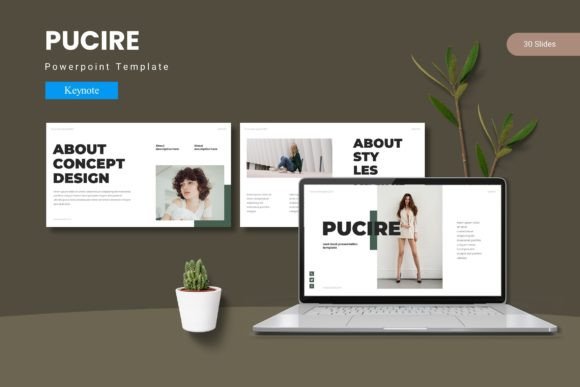
Pucire Keynote Template: Polished Presentations Made Simple
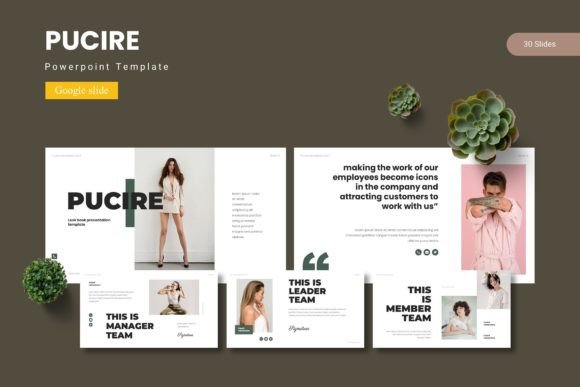
Putting together a presentation that feels both professional and visually cohesive can be surprisingly tricky. You might have the content ready, but the design often ends up feeling disjointed or rushed. That is exactly where the Pucire - Keynote Template steps in. It is a complete design system built inside Keynote, offering over 150 slides across five distinct color schemes. Instead of starting from a blank canvas or piecing together mismatched slides, you get a unified toolkit that keeps everything consistent from the first slide to the last. Whether you are preparing a business pitch, a classroom lecture, or a creative portfolio, the goal is simple: let the template do the heavy lifting so you can focus on your message.
What Makes the Pucire Keynote Template Different
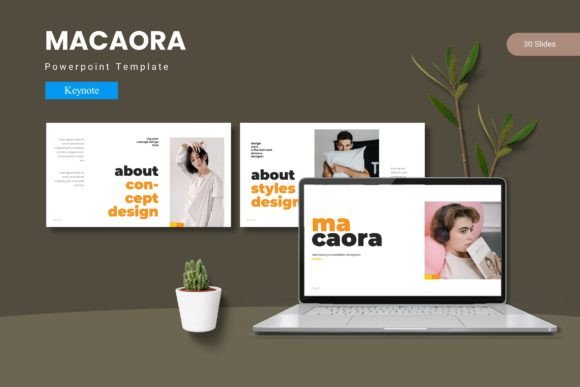
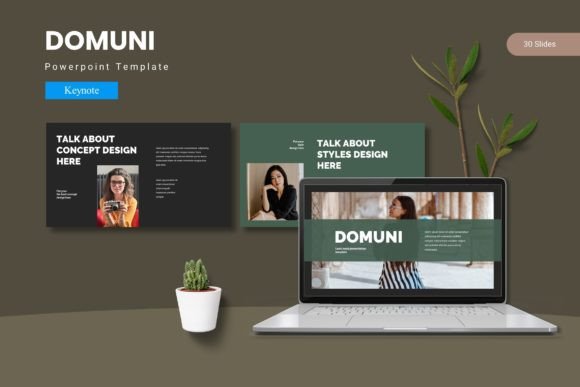
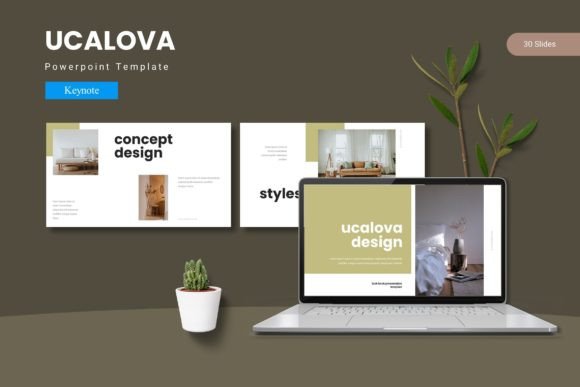
At its core, this template is built around the idea of effortless customization. You are not locked into a single look. The package includes five complete color variations, each containing 30 slides, which means you have 150 total slides at your disposal. Every color set is fully developed, so you can switch between them without losing any design consistency. The template also includes section break slides, which help you separate different parts of your presentation cleanly. For example, if you are walking through a quarterly report, a section break slide signals a shift from financials to strategy, giving your audience a natural pause.
The illustrations and infographics are handcrafted and based on master slides. This is a practical advantage because it means you can edit, resize, or recolor any graphic element without worrying about pixelation or layout breaking. The pixel-perfect illustrations are vector-based, so they scale smoothly whether you are presenting on a laptop screen or a large projector. For beginners, this removes the intimidation factor of design work. You do not need to be a graphic artist to produce polished slides. You just drag, drop, and adjust.
Picture Placeholders That Actually Save Time
One of the more thoughtful features is the drag-and-drop picture placeholder. Instead of manually cropping and resizing every image, you simply drop a photo into the designated area, and it fits perfectly into the layout. This is especially useful for gallery or portfolio slides. If you are a photographer, designer, or freelancer showing off your work, you can quickly populate multiple image slots without fighting with alignment. The portfolio slide layouts are designed to showcase visuals prominently, so your work stays the focal point. For bloggers or small business owners, this means you can create a polished media kit or product showcase in minutes rather than hours.
Why You Might Want to Use This Template
There are plenty of presentation templates out there, but the Pucire - Keynote Template stands out because it balances quantity with usability. Having 150 slides might sound like overkill, but it actually gives you flexibility. You can pick and choose the slides that fit your narrative, mix elements from different color schemes, or build a longer deck without repeating layouts. The five color variations also let you match your brand or personal style. If your company uses a specific palette, you can adapt one of the schemes to align with it. The included Readme file provides font and photo information, so you know exactly what you are working with and where to find any additional resources.
For educators and trainers, this template simplifies creating lecture materials. You can structure a course module with title slides, content slides, infographics, and summary slides, all within the same visual system. The handcrafted infographics are particularly helpful for explaining data or processes. Instead of building a chart from scratch, you start with a well-designed base and adjust the text and numbers. This saves time and ensures your visuals are clear and attractive.
Practical Applications Across Different Fields
Let us look at a few realistic scenarios. A marketing professional preparing a campaign proposal might use the darker color scheme for a bold, modern feel. They can include a section break before the creative concepts, use an infographic to show projected reach, and finish with a portfolio slide displaying mockups. Everything flows visually because the template maintains consistent fonts, spacing, and graphic styles.
A freelancer pitching services to a potential client could choose a lighter, more neutral color scheme. They would start with an engaging title slide, move into a clean about-me section using a content slide, and showcase past projects in the portfolio layout. The drag-and-drop image placeholders make it easy to swap in their own screenshots or photos. The result is a professional deck that builds credibility without requiring extensive design work.
For a small business owner sharing an annual review with stakeholders, the template offers structure. They can use data-focused slides with infographics to display revenue trends, followed by section breaks for new initiatives, and end with a thank-you slide. The five color schemes allow them to stay on brand while keeping the presentation fresh year after year.
Things to Consider Before You Start
While the Pucire - Keynote Template is beginner-friendly, there are a few practical points worth keeping in mind. First, this is a Keynote-specific file. You will need access to Apple Keynote on a Mac or iOS device. The main file includes five KEY items from Keynote, plus the 30-slide decks for each color scheme. If you work primarily in PowerPoint or Google Slides, you would need to export the slides, which may alter some formatting. For the best experience, stick with Keynote.
Second, the template relies on master slides for its consistency. If you are new to Keynote, take a moment to understand how master slides work. The Readme file gives you the basics, but experimenting with the template is the fastest way to learn. Try changing a color in one master slide, and you will see it update across all slides that use that layout. This is a powerful feature once you get comfortable with it, but it can feel unfamiliar at first.
Another consideration is the font and photo information included in the Readme. The template uses specific fonts, and you will need to have them installed or substitute them if they are not available. The Readme tells you exactly which fonts are used and where the photos came from. This transparency helps you avoid licensing issues and plan your own image sourcing. If you plan to use the template for commercial work, double-check that any included photos or icons are cleared for your use case.
Getting the Most Out of the Template
To really make the Pucire - Keynote Template work for you, spend a little time exploring all five color schemes before you start building your presentation. Each scheme has its own personality. One may feel more corporate, while another leans creative or warm. Choosing the right scheme early saves you from redoing work later. Also, take advantage of the section break slides. They are more than decorative. They give your audience a mental reset, which is especially valuable in longer presentations or when covering multiple topics.
Do not overlook the handcrafted infographics. Even if you are not a data-heavy presenter, a well-placed infographic can break up text-heavy slides and improve audience understanding. You can customize these infographics to show timelines, comparisons, or processes. Since they are based on master slides, editing them is straightforward. Change the text, adjust the colors, and resize elements as needed.
If you are using the gallery or portfolio slides, prepare your images in advance. Knowing the orientation and resolution you need makes the drag-and-drop process even faster. The template is designed to handle images cleanly, but having high-quality visuals ready ensures the final result looks sharp.
Who Benefits Most from This Template
The Pucire - Keynote Template is a strong fit for a wide range of users. Professionals who present regularly will appreciate the consistency and time savings. Creators and freelancers can rely on the portfolio slides to display their work attractively. Educators will find the structured layouts useful for course content. Small business owners and entrepreneurs can create investor decks or product presentations without outsourcing design. Even hobbyists planning a personal project or event slideshow can use the template to produce something that looks intentional and well-crafted.
The main appeal is that you get a finished-looking presentation without needing design skills. The template does the visual work. You bring the content and a bit of personalization. For anyone who has ever struggled with aligning text boxes, matching colors, or creating consistent spacing across slides, this template eliminates those frustrations. It is a practical tool that respects your time and helps you communicate more effectively.
Final Practical Observations
When you download the template, you will find the Keynote file organized clearly. The five color schemes are separated, and the Readme file is there to guide you. Take a few minutes to read through it. It contains font names and photo credits, which are useful for planning your own assets. The template is built to be editable, so feel free to experiment. Change a color scheme midway through your project if it does not feel right. The master slide structure makes switching seamless.
In a world where presentations often feel rushed or generic, having a tool like this raises the bar for what you can produce on your own. It is not about adding flashy effects. It is about creating a cohesive, visually engaging experience that supports your message rather than distracting from it. The Pucire - Keynote Template delivers that foundation, slide after slide.