Coluster - Powerpoint Template for Impactful Presentations
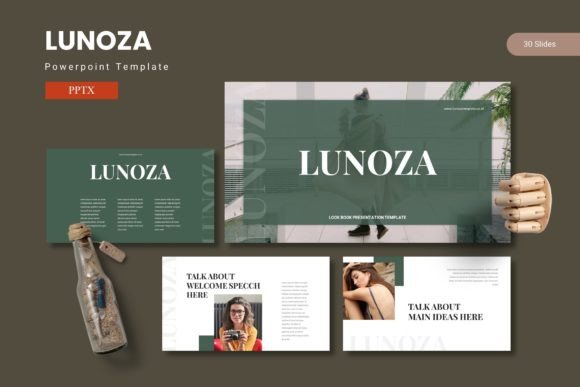
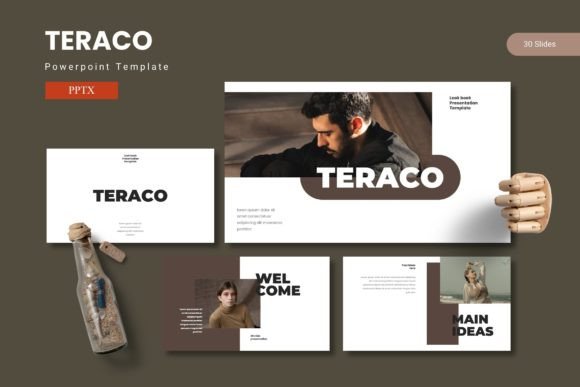
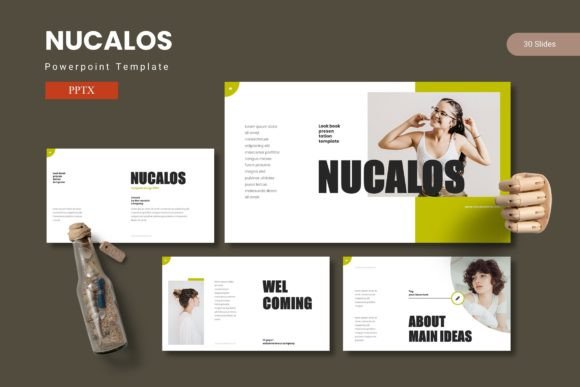
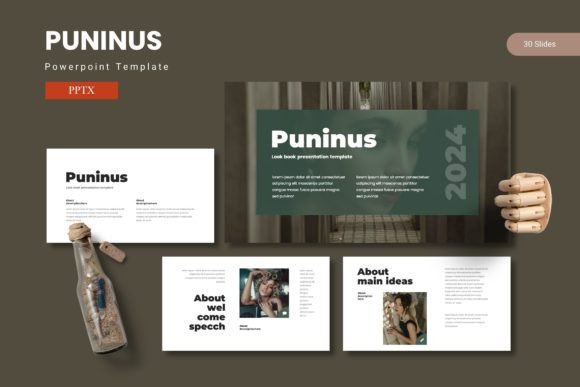
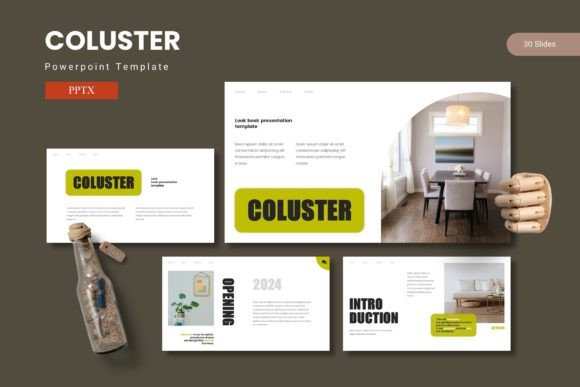
When you need to share an idea clearly and memorably, the right presentation template can make all the difference. Coluster - Powerpoint Template is a comprehensive design package that combines data, graphics, and impactful content across 150 slides. Built around five premade color schemes, it offers customizable layouts, drag-and-drop picture placeholders, and pixel-perfect illustrations. Whether you are preparing a business pitch, a classroom lecture, or a personal project, this template aims to help you create slides that feel both professional and personal.
What Makes Coluster Unique?
At its core, Coluster provides a structured yet flexible framework. The 150 slides are divided into five color variations, each containing 30 slides. That means you can maintain a consistent look across a long presentation or switch color themes for different audiences. Key features include master slides for global edits, handcrafted infographics that make data visualizations easy to adapt, and gallery or portfolio slides for showcasing images. Every graphic is resizable and editable, so you never feel locked into a design that doesn’t fit your content. The package includes five separate PPTX files (one per color scheme) plus a folder with a readme, font information, and photo credits. This structure is particularly helpful if you value both speed and creative control.
Why Different Audiences Care About Coluster
Coluster’s appeal varies depending on your background and goals. Below we explore how beginners, experienced professionals, creators, educators, and business owners might approach this template with different priorities.
Beginners and Casual Users
If you are new to creating presentations, you may worry about design consistency and time. Coluster shines here because its slides are ready to use. The picture placeholders allow you to simply drag and drop images without worrying about alignment or cropping. The five color themes give you immediate options—pick one that matches your brand or mood and start editing. Beginners often appreciate that the template is built on master slides, so changes to fonts or colors apply across all slides instantly. You can focus on your message rather than fiddling with formatting. For a school project, a volunteer club announcement, or a family reunion slideshow, Coluster provides a polished look with minimal effort. The accompanying readme and font information also reduce guesswork, making the first experience less intimidating.
Professionals and Marketers
For those who create presentations frequently—whether for client meetings, internal reports, or conference talks—flexibility and polish are paramount. Coluster’s handcrafted infographics let you turn raw data into compelling visuals without needing design skills. You can edit colors, resize charts, and rearrange elements to tell your story. Marketers pitching a campaign can use the gallery slides to showcase mockups alongside key metrics, while professionals in finance or consulting can adapt the data-driven layouts for quarterly reviews. The fact that all graphics are vector-based (pixel-perfect) ensures that your slides look crisp on any screen or projector. Speed matters: with 30 slides per color scheme, you can mix and match to build a narrative without starting from scratch. If you present regularly, investing time in learning the master slide workflow pays off in long-term efficiency.
Creators, Freelancers, and Small Business Owners
As a freelancer or entrepreneur, your presentation often represents your brand. Coluster’s portfolio and gallery slides are specifically designed to show work samples, before/after comparisons, or project highlights. A freelance photographer can create a client pitch that weaves images with service descriptions. A small business owner can use the section break slides to separate topics like “What We Do,” “Our Team,” and “Case Studies.” The five color schemes let you align the presentation with your existing website or logo without hiring a designer. Because the template is editable down to the pixel, you can iterate quickly when feedback comes in. For creators who sell digital products or online courses, Coluster also serves as a base for lead magnets, webinar slides, or social media templates. The commercial value is high: a single purchase gives you reusable assets that can be adapted for many projects.
Educators and Trainers
Teachers and trainers need clarity above all. Coluster’s section break slides provide natural pauses that help structure a lesson. Infographics simplify complex concepts—think timelines, processes, or comparisons. The picture placeholders make it easy to include relevant images, diagrams, or student work. Moreover, the built-in gallery slides are great for showcasing project examples in a classroom or workshop. An educator who uses the same slides year after year can store different color versions for different subjects or units. The master slides allow updating the course title or institution logo once, and it propagates everywhere. This long-term usefulness is especially valuable in academic settings where resources are limited and consistency builds credibility.
Evaluating Priorities: Ease of Use, Cost, Quality, and Flexibility
When deciding whether Coluster matches your needs, consider how each priority aligns with the template’s strengths.
- Ease of use: The drag-and-drop picture placeholders and prebuilt color schemes make it beginner-friendly. The readme file guides you through installation and fonts. If you prefer to dive straight into editing, you can open any PPTX file and start replacing placeholder content.
- Cost: Compared to hiring a designer or subscribing to a premium presentation service, a one-time purchase for 150 slides is economical. For entrepreneurs and small teams, this reduces overhead while still producing professional output.
- Quality: Pixel-perfect illustrations and handcrafted infographics indicate attention to detail. The template avoids generic clip art, giving your slides a modern, cohesive look. The inclusion of five color schemes adds to perceived quality because you can choose a palette that fits the mood—cool blues for corporate, warm tones for creative, etc.
- Flexibility: With editable graphics and master slides, you can go far beyond replacing text. Need to add an extra slide with a custom chart? The existing infographics can be duplicated and recolored. Want to remove a section break and merge two themes? That is possible too. Flexibility is highest for users comfortable with PowerPoint’s advanced features, but even beginners can achieve customized results by sticking to the provided layouts.
- Reliability and speed: Because the template is built on master slides, making global changes is fast. You can also rely on consistent formatting across all slides, which is crucial when delivering under time pressure.
Practical Examples for Different Reader Types
- A marketer preparing a campaign launch presentation: You have data from a pilot campaign, client testimonials, and mockups. Use Coluster’s handcrafted infographics for the data section, gallery slides for the mockups, and a section break for “Our Strategy.” The five color schemes let you choose a bold accent color that matches the campaign’s theme. The result is a cohesive story that feels custom-made.
- A teacher creating a unit overview: You need to introduce a semester topic, outline key concepts, and show examples. Start with a section break slide for the unit title. Use infographics to depict a historical timeline or a scientific process. Insert student work via picture placeholders in the gallery slides. The consistent color scheme (e.g., a calm green) helps students focus on content rather than design noise.
- A freelance designer pitching to a new client: Your portfolio is your strongest asset. Use Coluster’s gallery slides to showcase 10–15 projects with descriptions. Use the infographics to highlight results: “Before and after,” “Client satisfaction scores,” or “Time saved.” A simple, clean color scheme keeps attention on your work. The editable graphics allow you to add a personal logo or contact info on every slide via the master slide.
- A small business owner presenting to investors: You have a business plan, financial projections, and market analysis. Coluster’s data-driven slides can be used for charts and tables. Section breaks help structure the pitch as Problem, Solution, Market, Team, Financials. The professional look of the template (especially with a dark blue or charcoal color scheme) conveys seriousness and reliability.
Is Coluster Right for You?
The template is best suited for anyone who needs a solid foundation that still allows personal flair. If you prioritize ease of use and speed, you can work within the 30 slides of a single color scheme and simply replace content. If you value deep customization, the master slides and editable graphics let you bend the design to your will. Conversely, if you need highly complex animations or non-standard aspect ratios, you might find the template limiting—though it can serve as a starting point that you adapt further. The included readme and font files make setup straightforward, but you should have a basic familiarity with PowerPoint (or Keynote with conversion) to take full advantage.
Consider your project type: Coluster is ideal for presentations that blend visuals and text, such as reports, pitches, teaching modules, or portfolios. If your presentation is heavily text-based or relies on live data dashboards, you might look for a simpler, minimal template. However, the handcrafted infographics can be stripped back to basic shapes if needed. Overall, the template offers strong commercial value for a wide range of audiences—from the student who wants a polished project to the entrepreneur who needs a consistent brand presence.
Before purchasing, think about your long-term use. If you create multiple presentations per year, the ability to reuse and recolor the slides makes Coluster a worthwhile investment. If you only need one deck, you might still benefit from the time saved compared to designing from scratch. The five color schemes also let you try different looks without buying multiple templates.
In the end, Coluster succeeds by balancing structure and freedom. It gives you a professional toolkit without imposing a rigid style. Whether you are sharing a business plan, a creative idea, or an educational module, this PowerPoint template helps you present with confidence—and that confidence often translates to more effective communication.