Gagius Keynote Template: Design with Purpose
Every presentation begins as a blank slate, yet what separates a forgettable slideshow from one that resonates is the attention to detail beneath each slide. The Gagius - Keynote Template offers exactly that foundation: a system built for clarity, adaptability, and a polished aesthetic that doesn’t fight your content. Whether you’re preparing a pitch for stakeholders, a portfolio review, or an internal training deck, this template provides a cohesive framework that lets your ideas take center stage.
What Makes Gagius Stand Out
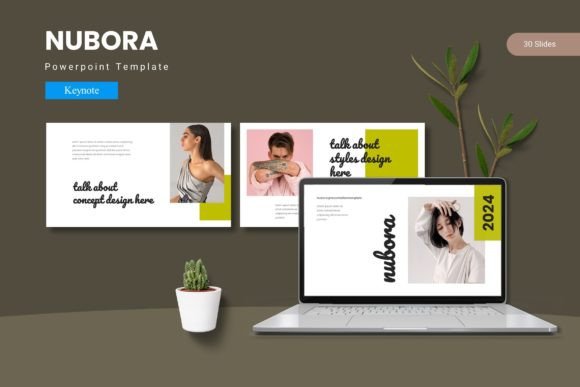
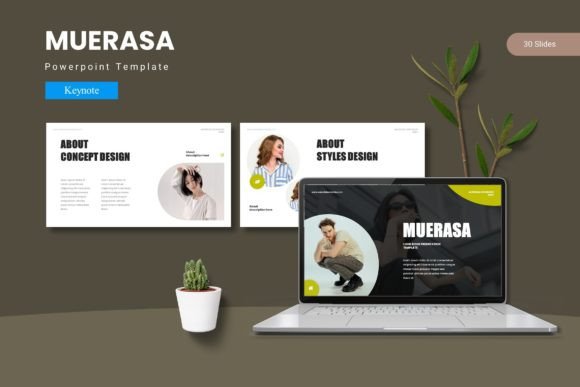
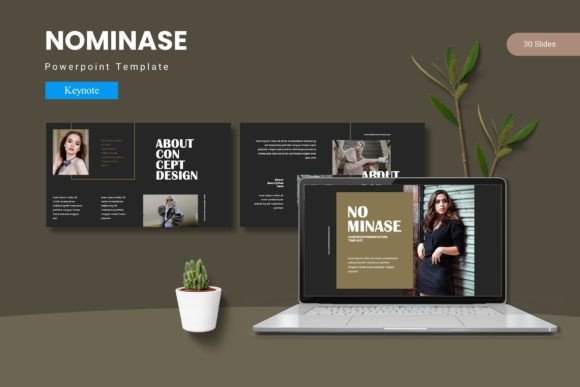
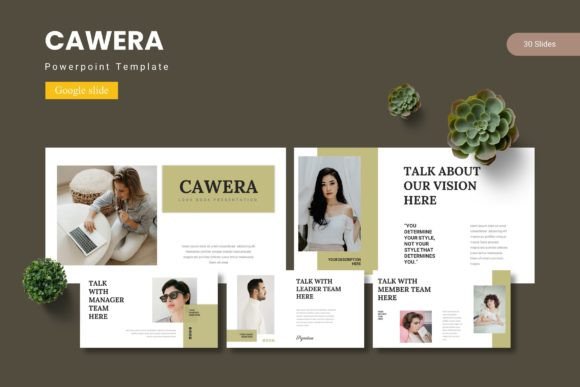
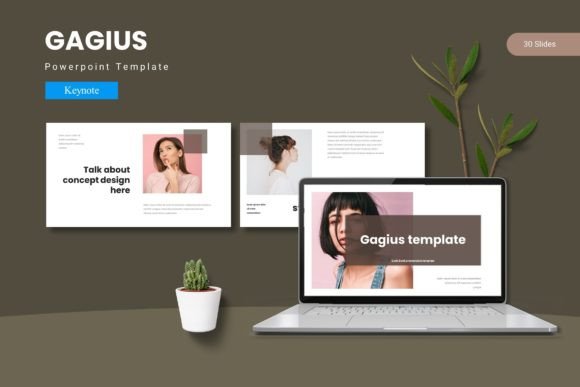
Gagius is not just a collection of slides. It is a fully structured Keynote template with 150 total slides across five pre-made color variations—each set containing 30 carefully designed slides. The template includes section break slides, handcrafted infographics, master slides, pixel-perfect illustrations, and drag-and-drop picture placeholders. Every graphic is resizable and editable, which means you never have to fight against the layout to make it your own.
The five color schemes are more than cosmetic. Each scheme maintains its own harmony, allowing you to switch between palettes without breaking visual consistency. This is particularly useful when you need to align the presentation with brand guidelines or adapt the tone for different audiences. From a bold, high-contrast look for a product launch to a muted, professional palette for a boardroom update, Gagius gives you room to pivot without starting from scratch.
- 150 total slides across five distinct color libraries
- 30 slides per template section, each fully editable
- 5 color variations included in the folder
- Master slides for consistent global updates
- Picture placeholders with simple drag-and-drop functionality
- Pixel-perfect illustrations that scale without loss
Creative Applications Across Audiences
One of the strongest arguments for investing in a template like Gagius is the time it saves while still allowing for originality. Consider how different user groups can apply the same set of slides to very different contexts.
Freelance designers and creative agencies often need to present mood boards, case studies, and before-and-after transformations. With Gagius, the gallery and portfolio slides become natural homes for visual storytelling. The picture placeholders eliminate the need to manually resize and reposition images, letting you drop in screenshots or photography and keep the focus on the work itself.
Marketers and brand managers can use the section break slides to structure campaign recaps or quarterly reviews. The handcrafted infographics are especially valuable here—rather than pulling generic charts from other tools, you can directly edit the graphics inside Keynote to match your data points. The result is a cohesive deck that feels custom-made, not borrowed from a spreadsheet.
Entrepreneurs and small business owners who pitch to investors or speak at conferences benefit from the clean hierarchy that Gagius enforces. When you have only a few minutes to convey your business model, the last thing you need is a slide that distracts with inconsistent fonts or misaligned elements. The template’s master slides ensure that global changes—like updating a logo or changing a headline style—apply across all slides instantly.
Educators and trainers often need to present dense information without overwhelming learners. Gagius handles this well through generous white space, clear typographic hierarchy, and the ability to blend text with visual callouts. The section breaks serve as natural stopping points, helping audiences absorb each chunk before moving forward.
Using the Color Variations Strategically
The five color schemes included in Gagius are not interchangeable decorations—they can serve different strategic purposes within the same project. For example, you might use one palette for the main presentation body, then switch to another for a specific data deep-dive or a client proposal appendix. This keeps the visual interest alive while maintaining a thread of consistency through layout and typography.
When adapting for different platforms, color choice matters even more. Slides destined for projection on a large screen in a dim room benefit from higher contrast and deeper saturation. Those shared as PDFs or viewed on personal devices can use softer, lighter palettes. Having five ready-to-go variations means you can tailor the look to the medium without rebuilding the deck.
- Match the palette to your existing brand colors or use one of the five as a starting point
- Swap between variations for different sections of a long presentation
- Use the lightest palette for print-friendly handouts and the boldest for stage presentations
Practical Guidance for Getting the Most Out of Gagius
As with any template, the real value emerges when you treat it as a foundation rather than a finished product. Start by selecting the color scheme that most closely aligns with your project’s tone. Then, use the master slides to insert your logo, adjust the base font, and set default spacing. This one step ensures that every subsequent slide inherits your identity automatically.
Take advantage of the picture placeholders by collecting all your images before you begin. Drag and drop works seamlessly when you already have your assets organized. If you need to add custom infographics, duplicate one of the handcrafted slides and modify the graphics directly. Because all illustrations are vector-based, you can resize, recolor, and rotate them without losing quality.
For presentations that require a more narrative arc—such as a product story or a personal keynote—use the section break slides to mark transitions between chapters. This gives your audience visual breathing room and helps them follow your logic. Pair each section break with a clear headline that summarizes the next segment in a few words.
- Edit globally using master slides for consistent branding
- Use drag-and-drop placeholders to save time on image placement
- Leverage infographics by editing pre-built graphics instead of creating from scratch
- Create narrative flow with section break slides between major topics
- Scale freely with pixel-perfect illustrations that remain sharp
Maintaining Consistency and Originality
A common concern with templates is that the final result might look generic. Gagius avoids this by offering enough visual structure that you don’t need to compensate with unnecessary decorations. The template provides a clean stage, and your content becomes the performance.
To keep the presentation feeling original, treat the slide layouts as starting points for composition. Resize illustrations, swap out color accents, and combine elements from different slide types. Because the template is based on master slides, any changes you make to a master will propagate throughout, which means you can maintain consistency even as you customize.
For users who want to push further, try mixing the included color schemes to create your own variation. Export a color from one scheme and apply it to elements from another. The result will still feel cohesive because the underlying grid and typography remain the same.
Real-World Scenarios for Gagius
Scenario one: A freelance photographer needs to present a portfolio to a potential corporate client. Using the gallery slides, they drop in their best images end to end. The clean margins and minimal text let the photographs speak, while the section break slides introduce different genres—portrait, commercial, editorial. The client sees not just the work but the photographer’s ability to present with professionalism.
Scenario two: A startup founder is preparing a pitch deck for a seed round. They choose a high-contrast color scheme from Gagius to ensure readability on a conference room projector. The infographic slides illustrate the business model and user acquisition funnel, while the portfolio slides showcase early product screenshots. With 30 slides per template, they have enough room to cover problem, solution, market size, and traction without feeling cramped.
Scenario three: An educator is developing a multi-session workshop on design thinking. They use Gagius across all five sessions, but they switch color schemes for each module to visually distinguish the topics. The master slides keep the header, footer, and workshop branding identical across every deck. Students immediately know which module they are in based on color alone, while the consistent structure reduces cognitive load.
Why Gagius Works for Different Project Sizes
Whether you are preparing a five-slide lightning talk or a 150-slide conference keynote, the number of slides in Gagius covers you either way. The five color libraries mean you can build multiple decks for different clients or projects without repeating the same look. Each set of 30 slides is complete enough to stand alone, but you can also combine across libraries if a project demands a larger volume.
For smaller projects, you can strip down the deck to only the section break and content slides you need. The modular design supports this—nothing forces you to use every slide. For larger projects, the built-in variety reduces the chance of visual fatigue. Audiences stay engaged when each slide feels distinct yet part of a family.
- Use 30 slides from one color scheme for a focused presentation
- Combine across color libraries for extended decks
- Strip down to essentials for short talks or internal updates
- Scale up for workshops, courses, or multi-part series
Final Thoughts on Using Gagius Effectively
Gagius - Keynote Template gives you a reliable visual system without dictating your message. The five color schemes, handcrafted infographics, and picture-ready placeholders remove the repetitive technical work so you can concentrate on what you want to say. For anyone who presents regularly—designers, marketers, entrepreneurs, educators—it offers a starting point that saves time and elevates output.
The difference between a deck that feels thrown together and one that feels intentional often comes down to the small decisions made before a single slide is written. With Gagius, those decisions are already handled, leaving you free to fill the template with your best ideas and present them with confidence.